Quick answer: what are crypto swaps?
Crypto swaps let you exchange one digital asset for another, usually from a self-custody wallet through a decentralised exchange or swapping service. Instead of placing a traditional buy or sell order against another person, many on-chain swaps are routed through smart contracts and liquidity pools that determine how much of the output token you can receive.
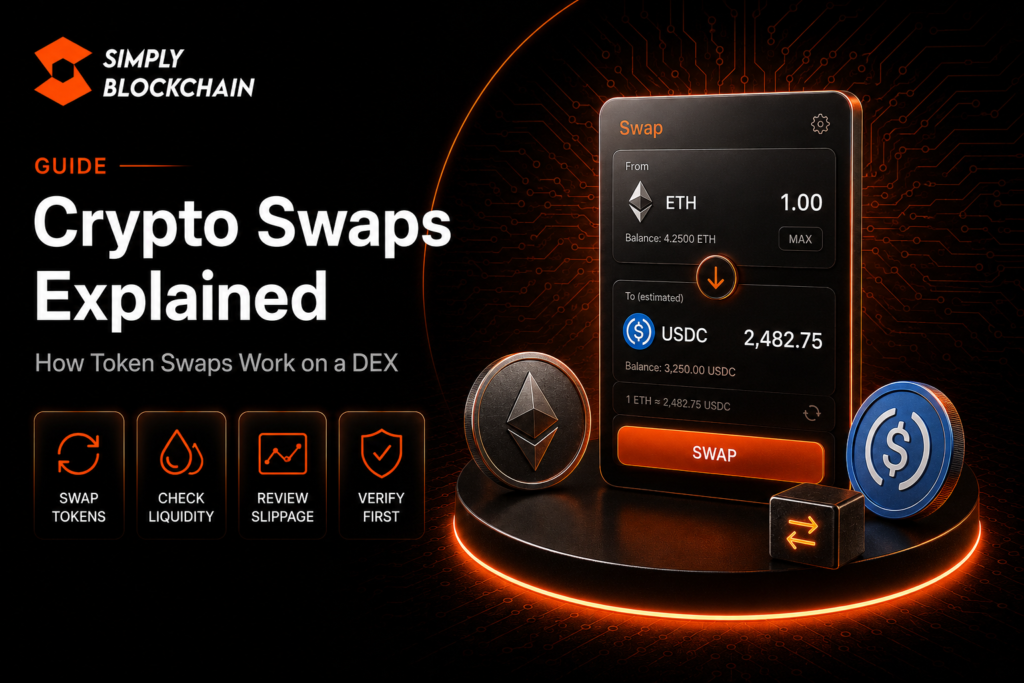
A swap can look simple — choose the token you have, choose the token you want and press Swap — but several things happen underneath: the app finds a route, calculates an expected output, estimates network costs, checks available liquidity and applies a maximum slippage setting. Some tokens also require an approval before the swap contract can spend them.
If terms such as gas fees, slippage, liquidity and bridges are still new, start with our Crypto Swaps, Gas Fees, Slippage & Bridges beginner pillar. This guide focuses specifically on how swaps work.
On this page
How does a crypto swap work?
At a high level, you tell a swapping application how much of Token A you want to exchange for Token B. The application looks at available liquidity and possible routes, shows you a quote, and asks your wallet to approve or sign the actions needed to execute the trade.
On an automated market maker such as Uniswap, liquidity pools hold pairs of assets inside smart contracts. Uniswap explains that a liquidity pool is a pair of tokens held in a smart contract and used to facilitate swapping on a decentralised exchange. The protocol uses an automated market maker rather than a traditional central limit order book. You can read Uniswap’s current liquidity pool explanation for a protocol-level example.
The exact mechanism differs between protocols. Some swaps use AMM pools, some route across several pools, and some systems can use third-party fillers or other execution models. The important beginner concept is that the quote you see depends on the liquidity and route available at that moment.
DEX swaps versus exchange trades
A centralised exchange normally holds customer balances inside its own platform and matches trades using its internal infrastructure. A decentralised exchange lets you interact with on-chain smart contracts from your wallet.
Coinbase’s DEX explainer describes DEXs as smart-contract based systems that allow crypto-to-crypto trading without the same central intermediary model used by a CEX. This means you keep responsibility for your wallet, network selection and transaction approvals.
Neither model is automatically “better” for every user. A CEX can be simpler for fiat deposits and withdrawals. A DEX gives direct on-chain access and self-custody, but also requires you to understand transaction details before signing.
Where does the swap price come from?
The displayed price is not simply a fixed number chosen by the app. It is derived from the liquidity and routing available for the pair. In a pool-based AMM, the balance of assets in the pool affects the exchange rate. As trades change those balances, the pool price changes too.
That is why a small swap in a deep pool can execute close to the displayed market price, while a large swap in a shallow pool can move the price against you. This effect is called price impact.
Modern routers can also split a trade across several pools or routes to try to improve execution. The route is worth checking because it tells you which assets and pools may be involved before you receive the final token.
What is the difference between price impact and slippage?
They are related but not identical. Price impact is the price change caused by your own trade relative to the available liquidity. Slippage is the difference between the price or output you expected and the price or output you actually receive by the time the swap executes.
Uniswap’s price impact versus slippage guide makes the same distinction. A trade can have meaningful price impact even if the market does not move after you submit it, while slippage can occur because prices move between quote and execution.
Our dedicated crypto slippage guide explains how maximum slippage works and why setting it unnecessarily high can produce worse execution.
Why do some swaps require token approval?
Many tokens cannot simply be moved by a DEX smart contract without permission from your wallet. An approval transaction grants a contract permission to spend a specified token or amount on your behalf.
Uniswap’s approval documentation explains that a token approval gives the protocol permission to access the token you intend to swap. Depending on the protocol and token, the approval may be a separate on-chain transaction before the swap itself.
This is one reason you may see two wallet prompts: one to approve access to the token and another to execute the actual swap. Never treat an approval as meaningless. Read what your wallet is asking for, verify the site and contract, and avoid signing requests you do not understand.
If you want to clean up old permissions later, our revoke token approvals guide covers that process.
Why do crypto swaps cost network fees?
A swap is an on-chain transaction. The blockchain has to execute the smart-contract instructions and include the resulting state change in a block. That requires a network fee, often called gas.
The fee is separate from the amount being swapped. You therefore need enough of the network’s required fee token in your wallet. On Ethereum, gas is paid in ETH. On other networks, the native fee token and fee model can differ.
Read our gas fees explained guide before swapping if you are unsure why a transaction is asking for an additional network token.
What should you check before confirming a swap?
The confirmation screen is where most beginner mistakes can be prevented. Slow down and review the details rather than treating the wallet prompt as a button you always approve.
- Network: confirm your wallet is on the blockchain you intend to use.
- Token contract: confirm you selected the genuine token rather than a copycat asset with the same name or symbol.
- Input and output: confirm which asset is leaving your wallet and what you expect to receive.
- Minimum received: understand the minimum output allowed by your slippage setting.
- Price impact: check whether your own trade is moving the pool price significantly.
- Network cost: make sure the fee is reasonable relative to the size of the trade.
- Approval: know whether you are granting token-spending permission as well as executing a swap.
- Route: review the path if the interface shows multiple pools or intermediary tokens.
Common crypto swap mistakes
Swapping the wrong token contract
Token names and tickers are not unique. Attackers can create imitation tokens with familiar symbols. Verify the contract address from an official project source or trusted block explorer before swapping an unfamiliar asset. Our guide to verifying crypto links and contracts goes deeper into this.
Using the wrong network
The same token symbol can exist on several networks. Check the chain before buying, withdrawing, bridging or swapping.
Using the maximum wallet balance
If you swap or transfer every unit of the network’s fee token, you may leave yourself unable to pay for the next transaction. Keep a small fee buffer.
Ignoring price impact
A very large price impact is a warning that the pool may not have enough liquidity for your trade size. Splitting a trade or using a deeper market may improve execution, but always evaluate fees and risk as well.
Blindly increasing slippage
A failed swap can tempt users to keep raising slippage until it works. That can expose you to a much worse execution price. First understand why the trade is failing.
Are crypto swaps reversible?
Once a valid on-chain swap is confirmed and finalised, you generally cannot reverse it like a card payment. You can execute another swap back into the original asset, but that is a new transaction with new fees and potentially a different price.
This is why checking the network, token and amount before signing matters so much. If a transaction looks wrong in the wallet confirmation screen, cancel it before broadcasting rather than hoping it can be undone later.
Crypto swaps checklist
- I am on the correct blockchain network.
- I have verified the token contract where necessary.
- I understand the amount I am selling and the estimated amount I will receive.
- I have checked the network fee.
- I have enough native fee token left for future transactions.
- I have reviewed price impact and maximum slippage.
- I know whether the prompt is an approval, signature or swap transaction.
- I am using the official application or a link I independently verified.
Frequently asked questions
Is a crypto swap the same as buying crypto?
Not exactly. Buying crypto often means using fiat currency to acquire an asset. A swap usually exchanges one crypto asset for another. Some apps combine these experiences, but the underlying transactions are different.
Why did I receive fewer tokens than the quote?
Possible causes include slippage, price impact, protocol fees, token fees or route changes. Review the transaction details rather than assuming every difference is caused by gas.
Why do I need ETH to swap a token on Ethereum?
Ethereum transactions require gas paid in ETH, even when the token being swapped is not ETH.
Can I swap directly from a self-custody wallet?
Yes, if the wallet connects to a compatible DEX or has an integrated swap feature. You remain responsible for reviewing the route, permissions and transaction.
Final thoughts
Crypto swaps become much easier to understand once you separate the visible “Swap” button from the mechanics underneath it. A swap combines liquidity, pricing, network fees, slippage, smart-contract permissions and transaction signing.
Learn those pieces individually and you will be far better equipped to recognise a normal trade, a poor-value trade and a suspicious wallet request before you sign it.
This guide is for educational purposes only and is not financial advice. On-chain trading involves market, smart-contract and security risk.
